
Important update regarding Kissflow’s SSL certificate
We'd like to share an important update regarding Kissflow’s SSL certificate renewal to ensure your experience with us remains secure and uninterrupted.
Our SSL provider, Sectigo, has migrated its signing infrastructure to a new, more secure Public Server Authentication Root (R46). The new root certificate replaces the older trust chain based on AAA Certificate Services and USERTrust RSA Certification Authority.
How does it impact users?
Due to this change, if you are accessing Kissflow through systems that cannot receive OS/browser updates regularly (for example, legacy servers, embedded devices, or isolated environments) you may encounter one of the following SSL trust errors. This means you will no longer be able to access Kissflow.
In legacy environments/servers:
SSL handshake failure
SSL connection failed
ERR_SSL_PROTOCOL_ERROR
In older browsers:
NET::ERR_CERT_AUTHORITY_INVALID
Your connection is not private
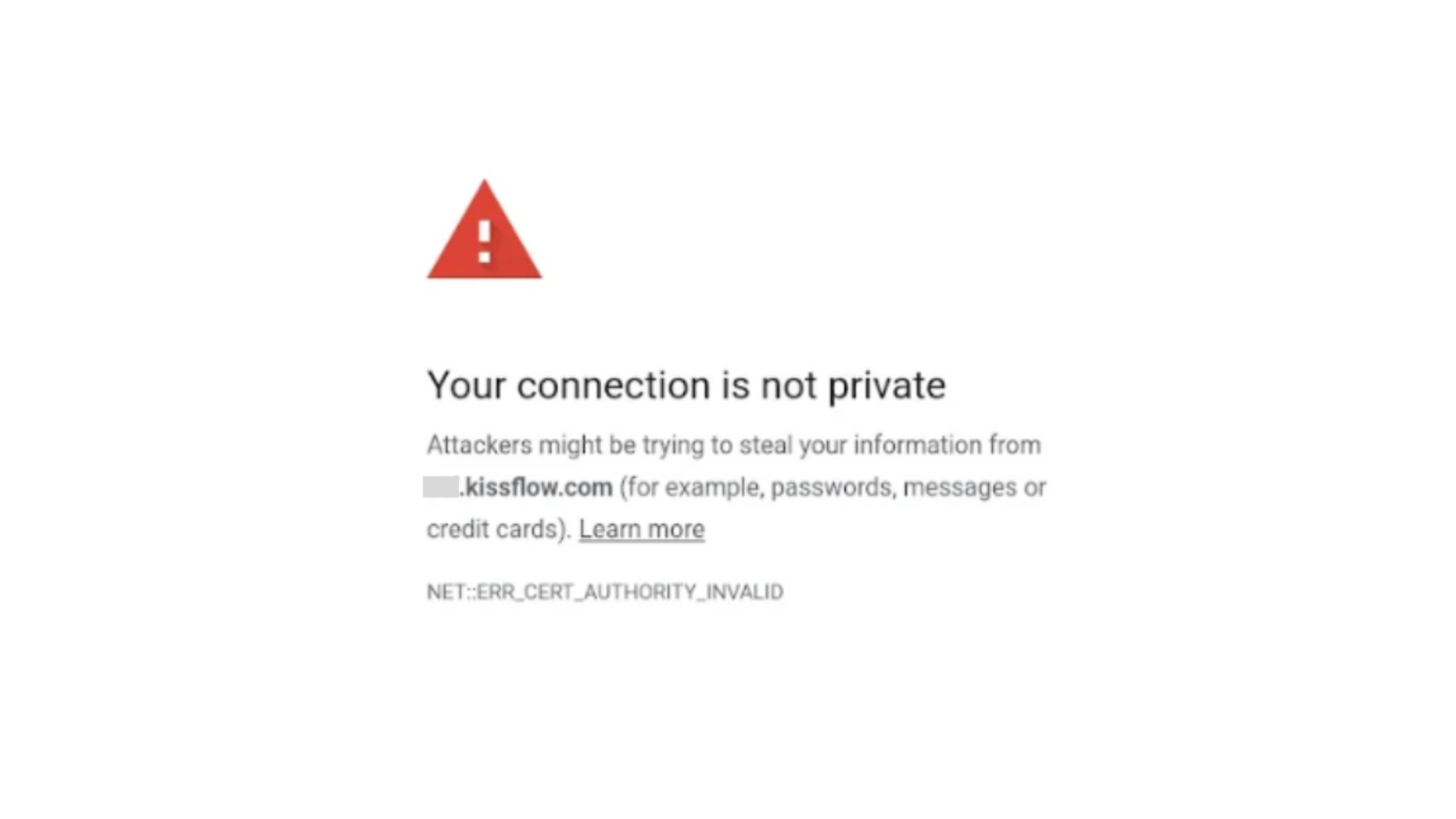
This occurs because those environments still rely on the older certificate trust path, that is, AAA Certificate Services → USERTrust RSA Certification Authority → Sectigo.
Deadlines for SSL certificate renewal
If you are on the Kissflow.eu domain
Update the new SSL certificate by February 13, 2026.
If you are on the Kissflow.com domain
Update the new SSL certificate by February 27, 2026.
After the mentioned dates, only the new Sectigo root (R46) will be supported and trusted.
How to verify if your environment is compliant with the new root certificate
To verify if your system trusts the new certificate, you can perform one of the following checks using:
A web browser.
OpenSSL.
Note:
You must run these tests from the specific browser or environment you use to access Kissflow.
1. Using OpenSSL
Run the following command from a terminal
openssl s_client -connect sectigo.com:443 -showcerts
If your root certificate is updated, your output will look like this:
Issuer: Sectigo Public Server Authentication Root R46

Verify return code: 0 (ok)
This means your environment trusts the new certificate chain. No further action is needed from your end.
If your output does not return 0, then you need to import the new Sectigo R46 SSL certificate into your system.
2. Using a web browser
Open https://www.sectigo.com/.
Click the padlock icon

→ Certificate viewer → Details.
Check if the root certificate listed is Sectigo Public Server Authentication Root R46.
If the root is not R46, you must import the new Sectigo R46 SSL certificate.
The following browser and operating system versions natively support the new Sectigo Root R46 certificate.
Browser |
Minimum supported version |
Release date |
Chrome |
120 or newer |
Dec 2023 |
Edge |
120 or newer |
Dec 2023 |
Firefox |
117 or newer |
Aug 2023 |
Safari (OS trust store) |
macOS 14.4+ / iOS 17.4+ |
Mar 2024 |
Opera |
106 or newer |
Dec 2023 |
SRWare Iron: |
120 or newer |
Dec 2023 |
If you are using a version older than these, you must either update the browser/OS, or manually import the new certificate to your operating system’s trust store.
We strongly recommend performing a verification check even if your systems meet the minimum requirements.
Importing the new Sectigo R46 SSL certificate
If your systems cannot receive OS/browser updates regularly (for example, legacy servers, embedded devices, or isolated environments), you have to manually install the new R46 root certificate into your system’s trusted root store before February 13, 2026 or February 27, 2026 depending on your domain.
Download the official Sectigo Public Server Authentication Root R46 certificate from:
Sectigo Public Root Certificates - USERTrust RSA CA (https://crt.sh/?d=1199354)Install the certificate into your Trusted Root Certification Authorities store.
Windows:
Open certmgr.msc → Trusted Root Certification Authorities → Import.
macOS:
Open Keychain Access → System Roots → Import.
Linux:
Copy the certificate to the path /usr/local/share/ca-certificates/ and run the command:
sudo update-ca-certificatesJava:
Copy the certificate to the path $JAVA_HOME/lib/security/cacerts and run the command:
keytool -import -trustcacerts -keystore $JAVA_HOME/lib/security/cacerts \
-alias sectigoR46 -file SectigoPublicServerAuthenticationRootR46.crt
After the import is complete, restart the application or web browser.
Note:
If your technical team connects to Kissflow via Docker or other containerized environments, you must ensure the new SSL certificate is also updated in the Docker images and containers.
Importing the official Sectigo Root R46 certificate ensures your systems continue to trust Kissflow and that your connection remains secure.
To maintain a secure and uninterrupted connection, please complete the certificate update by the February 13 or February 27 deadline, depending on your region.
If you require assistance regarding this, please contact our support team, and we will be happy to help you resolve the issue.