
Table enhancements: Search, sort, row height, and more!
Following our recent mobile release, we are excited to bring the same powerful table management tools to your web forms. Navigating large tables in your browser just got faster, cleaner, and more customizable.
Here is what’s new for the web experience:
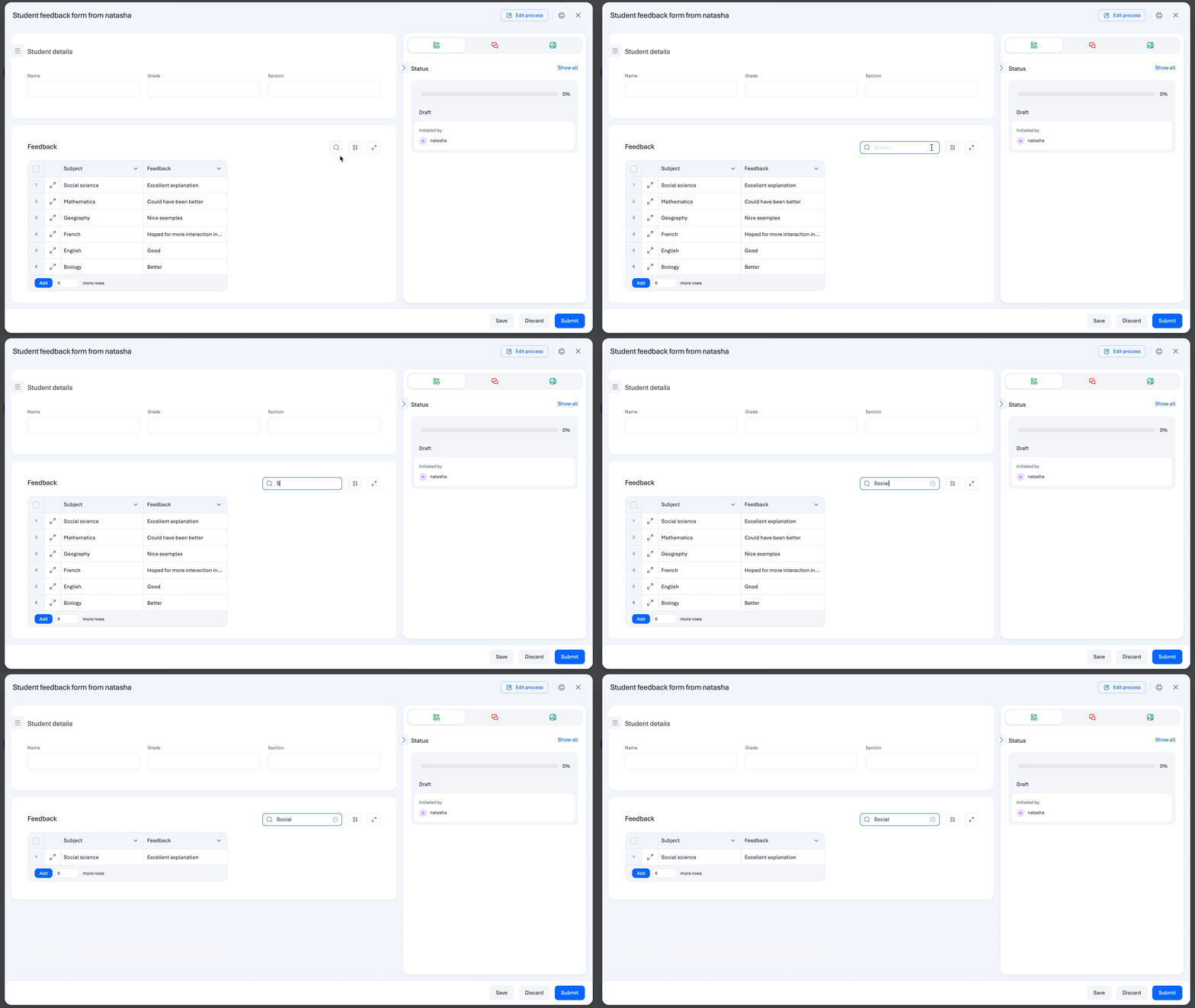
Instant search
No more manual scanning. You can now use the dedicated search bar within form tables to find exactly what you need.
Global filter: Type any keyword, name, or ID, and the table will instantly filter to show only matching records across all columns.
Column sorting
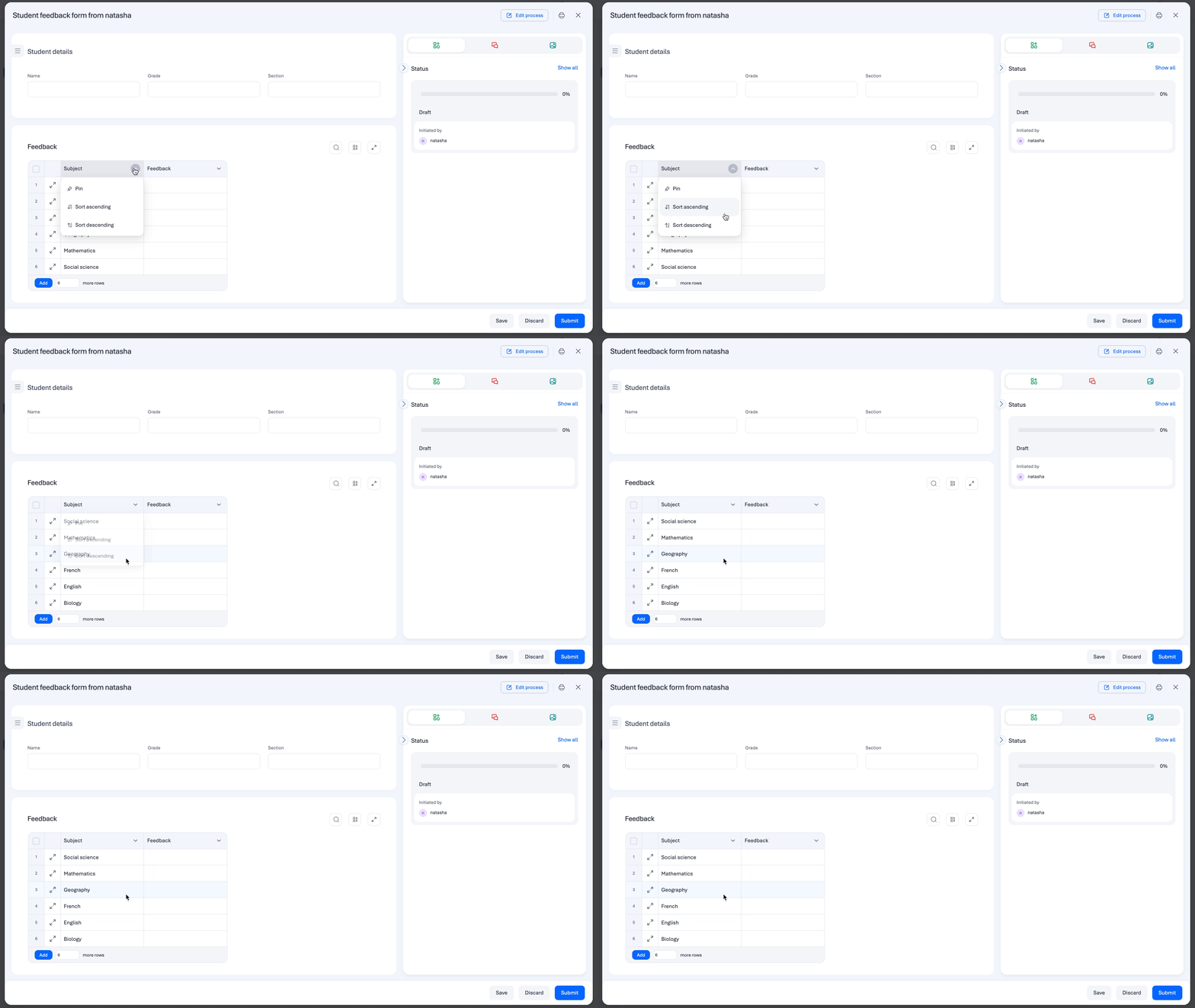
Keep your data organized exactly how you want it. You can now sort table columns in ascending or descending order.
For complex widgets, the system automatically sorts based on primary underlying values to ensure your data stays logical.
New row height settings
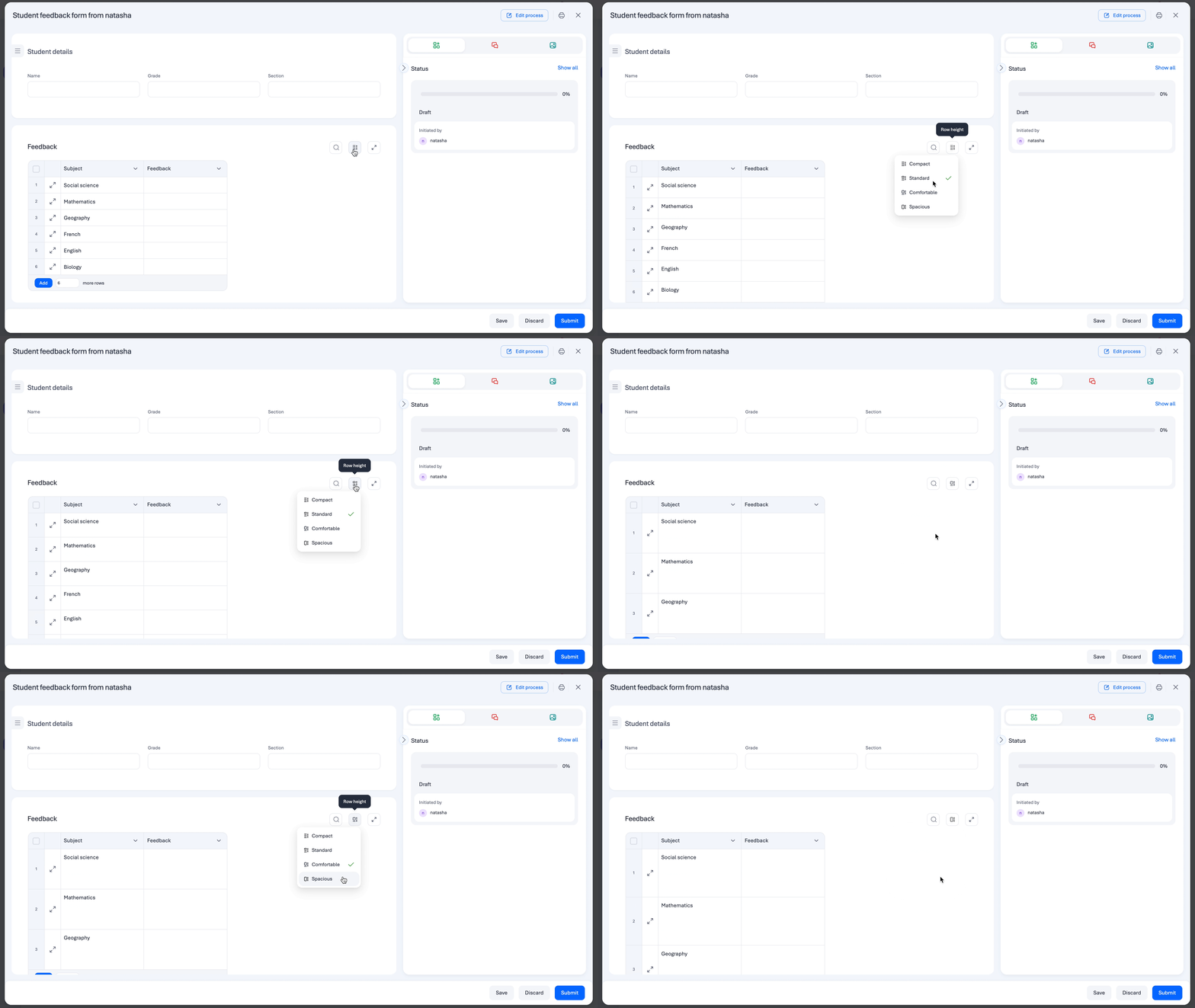
Personalize how you view your data. You can now choose between four distinct row height settings to match your workflow:
Compact: Data-dense view.
Standard: The standard system balance.
Comfortable: Balanced spacing for easier reading.
Spacious: Maximum breathing room for complex entries.
Enhanced error reviewing
To help you maintain data integrity, we’ve streamlined how you handle mistakes. You can now review errors directly within web tables more efficiently, making it easier to identify and fix issues before submission.
Internal table scrolling
Handling massive tables? We’ve added internal table scrolling, allowing you to glide through hundreds of rows while keeping the rest of your form in view. This ensures a smoother navigation experience without losing your place on the page.
Availability and support
These enhancements are now live for all users on the web platform.
Note:
Search and sort cover the majority of field types, including Text, Number, Date, User, and Lookup. Please note that file-based or location-based fields (Attachment, Image, Signature, and Geolocation) are excluded from these features.
Check the enhancements in your web forms today! For more details on supported fields, visit our help documentation, or leave a comment below.
Content aside
-
11
Likes
- 4 mths agoLast active
- 3Replies
- 195Views
-
4
Following