
Sneak peek: Building custom connectors with the new connector builder
Until now, users had to rely on in-built connectors or use Run script and Smart link to patch together custom actions. We’re changing that.
We are excited to announce that we’re extending the power previously reserved only for Kissflow developers to all our users. You can now build custom connectors for your specific requirements without waiting for them to be added to the connector store. This update provides you with the tools needed to create seamless, secure, and high-performance integrations that fit your unique workflows.
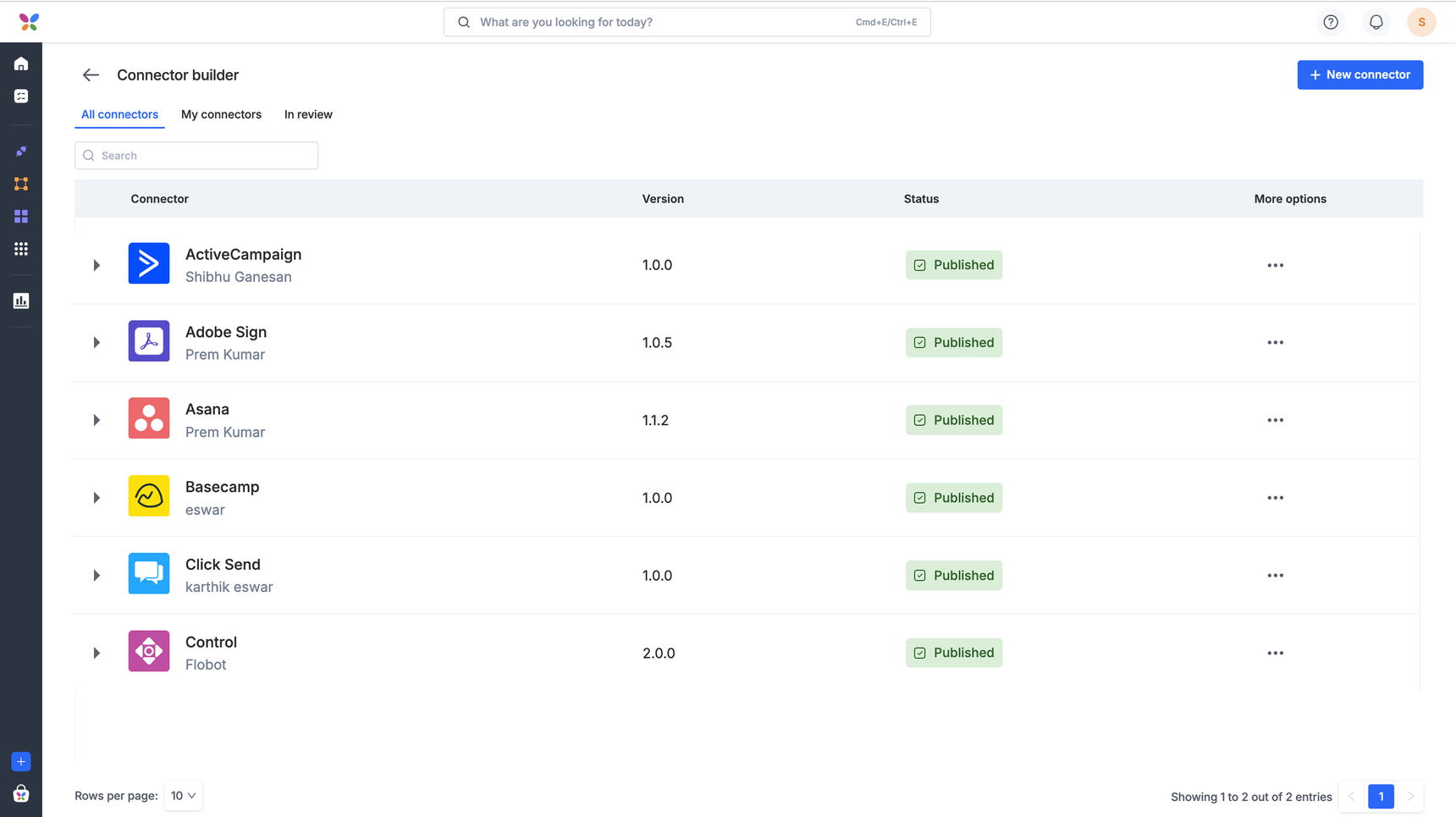
A look at the workflow
Once you’ve defined your connector’s identity, including its name, logo, and category, the builder guides you through a logical, step-by-step flow to bring your integration to life:
Flexible authentication: Support for Basic, API Key, or OAuth. You can use environment variables to keep your sensitive credentials secure.
Actions and triggers: Define the trigger, an event that initiates your workflow, and the action, an operation that follows your trigger. You can map fields directly to your API.
Visual input designer: Configure fields with static or dynamic dropdowns which act as an input payload for your actions.
Custom code: Switch to JavaScript whenever you need to handle complex data transformations or unique logic.
Instant testing: Validate your API requests and authentication in real-time to ensure everything works before rollout.
Availability and release
The connector Builder is currently in the final stages of testing and is scheduled to roll out to users across all Kissflow plans during the second week of April.
Stay tuned for the official rollout!
Content aside
-
2
Likes
- 3 mths agoLast active
- 4Replies
- 263Views
-
5
Following