Board dashboards
The board dashboard gives team members and managers a high-level view of work progress, deadlines, and workload distribution. It helps teams identify bottlenecks, monitor performance, get actionable insights, and make proactive decisions.
Admin dashboard
Board admins and members can monitor overall team performance, upcoming deadlines, and workload trends using the following default widgets:
AI insights: AI analyzes your workflow data to uncover patterns and trends that aren’t easily visible in standard reports. These insights highlight opportunities for improvement, helping you make informed decisions and address bottlenecks.
Workload distribution: Visualizes how tasks are distributed across team members, helping identify over- or under-assigned workloads.
Due within 7 days
Overdue in last 30 days:
Tracks how often items exceed their due dates.
Shows the number of overdue items compared to all items with defined due dates.
Priority distribution
My dashboard
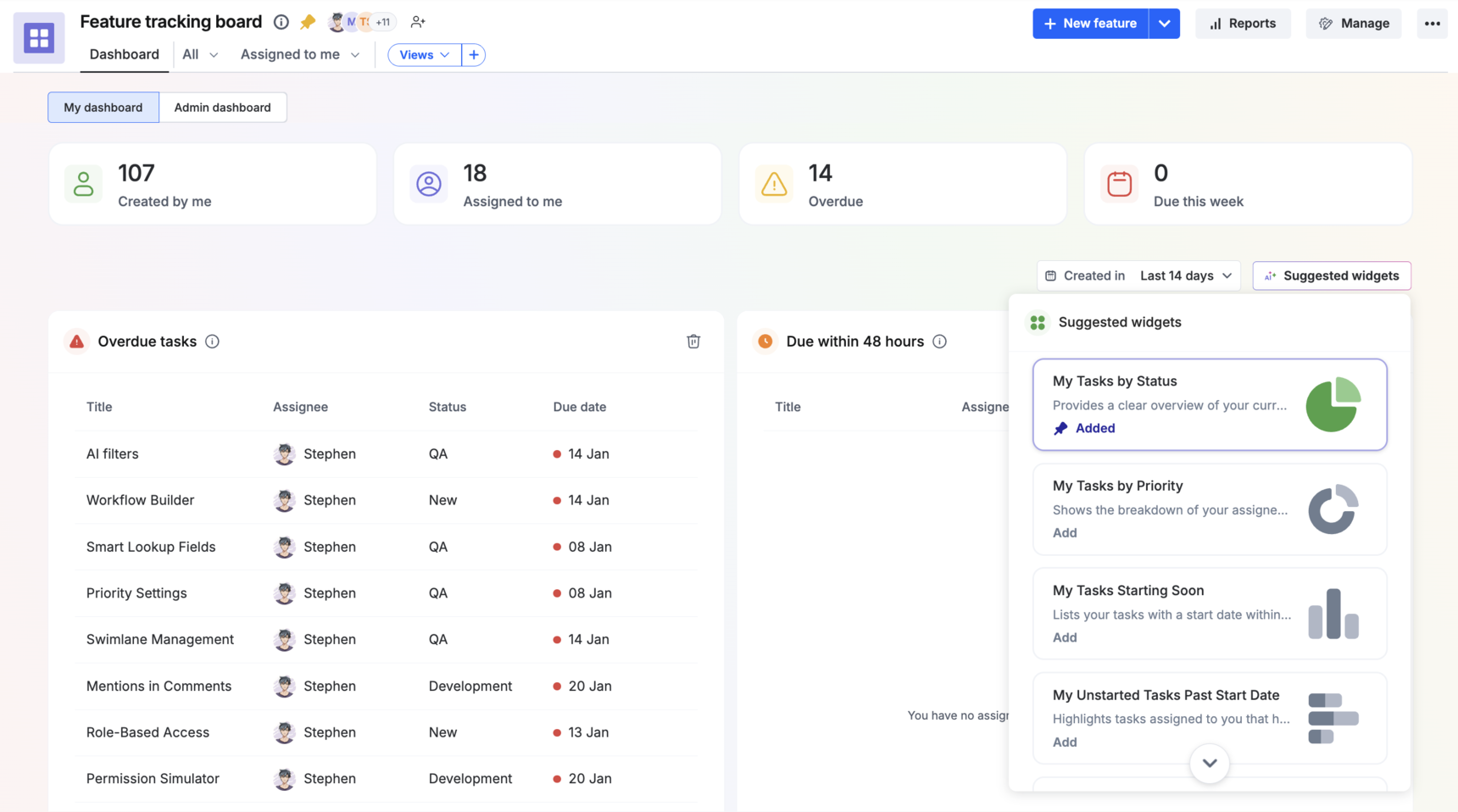
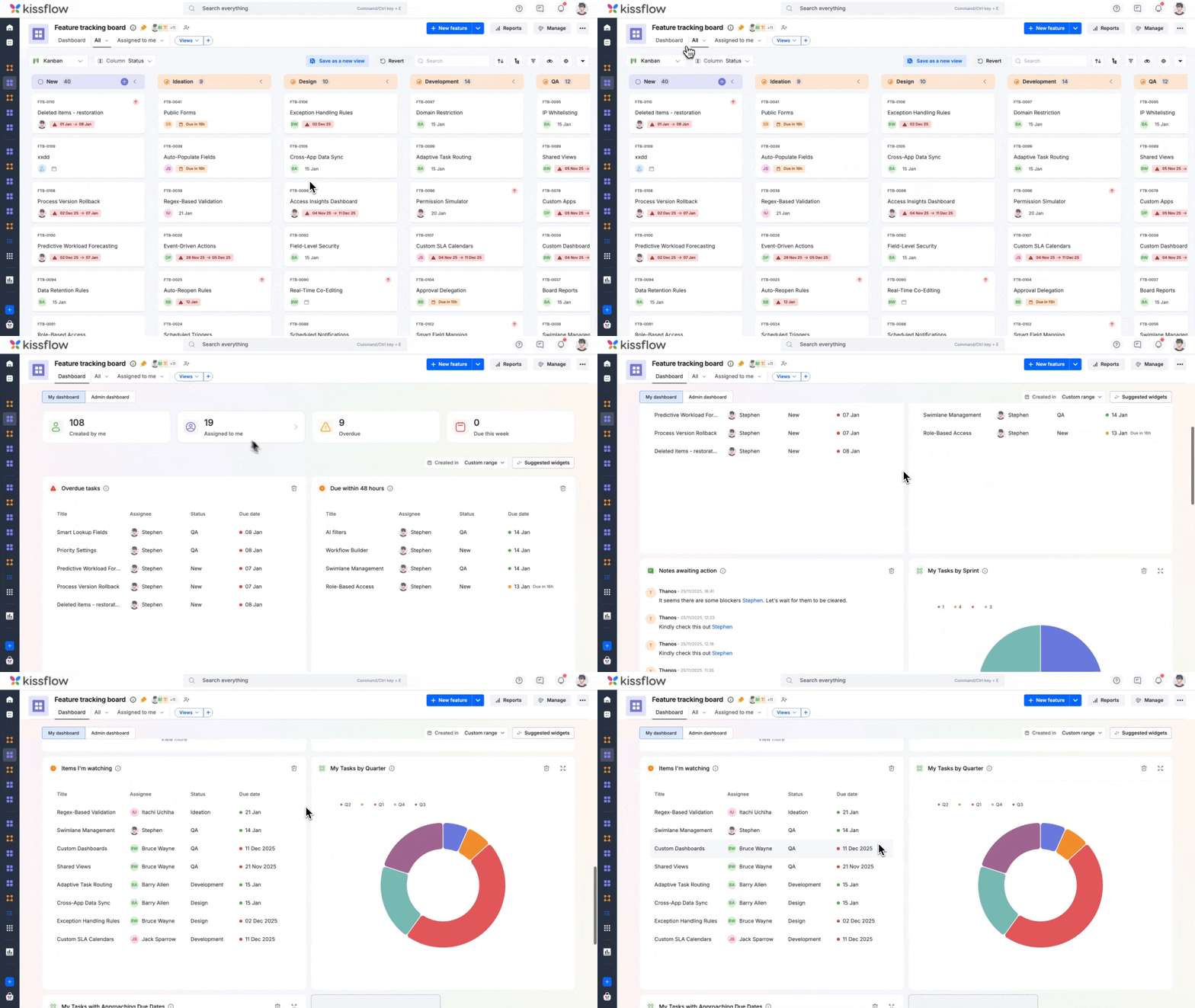
As a board user (all board roles), you can track your personal progress and tasks with the widgets below.
Notes awaiting my action: Displays mentioned notes that require your response (reply or reaction).
Overdue tasks in last 30 days
Due within 48 hours
Items I'm watching
AI-suggested widgets
Apart from the predefined default widgets, the dashboard suggests additional widgets and metrics tailored to your use case. These AI-powered recommendations help you discover relevant insights in the form of widgets.
You can add these widgets to your dashboard to create a personalized view that suits your daily workflow.