Contextual global search
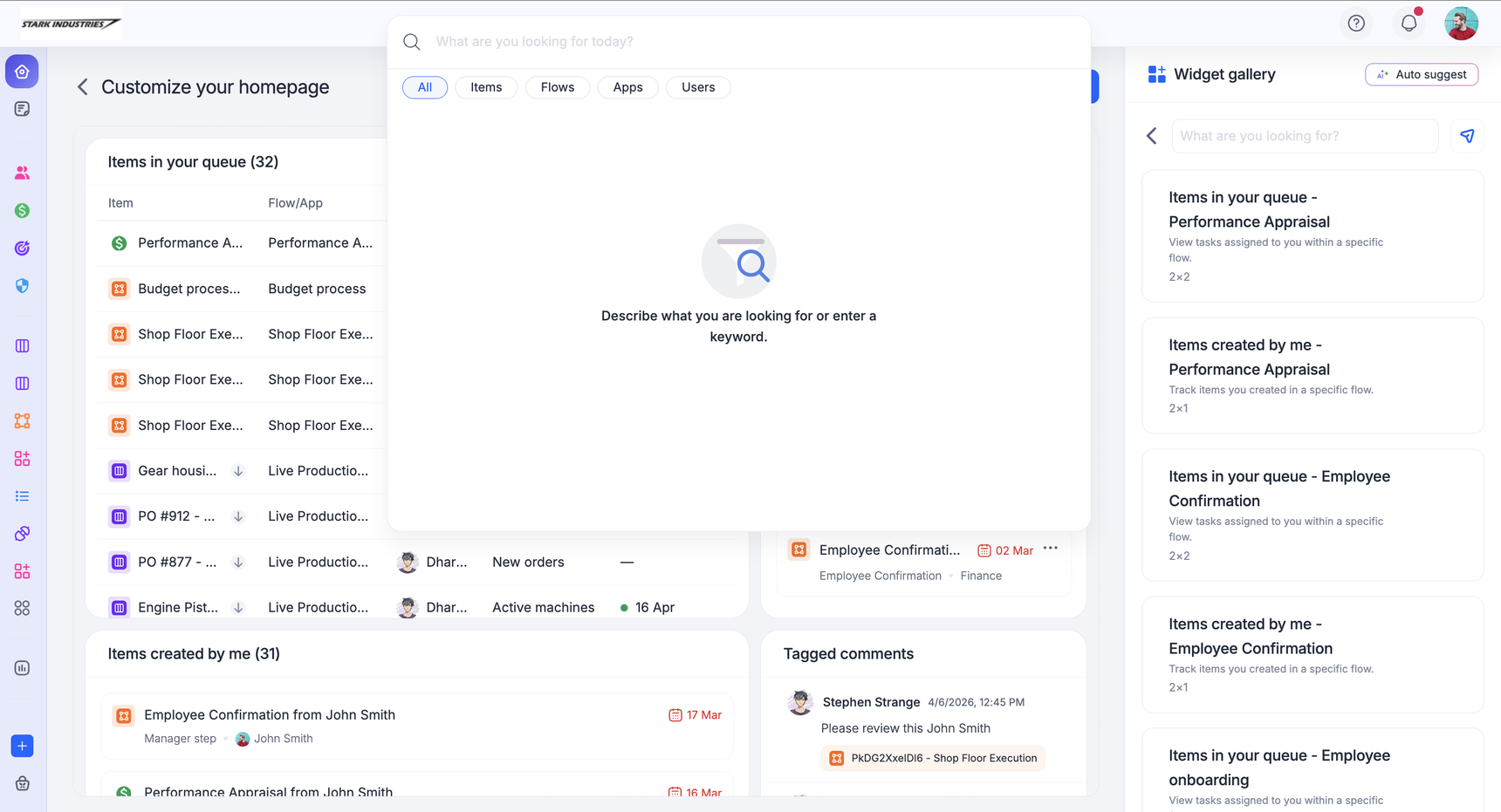
The global search gets you to where you want to be in the product. Be it workflows, or even specific items, describe what you are looking for or type a keyword and get to your target workflow quickly. You can also search for users in your account.
Contextual search powered by AI
AI-powered contextual search helps you find the right process, board, or dataset. Even if you do not know the exact name of the workflow, you can describe what you need in natural language, and our AI surfaces the most relevant workflows as shown in the gif below.
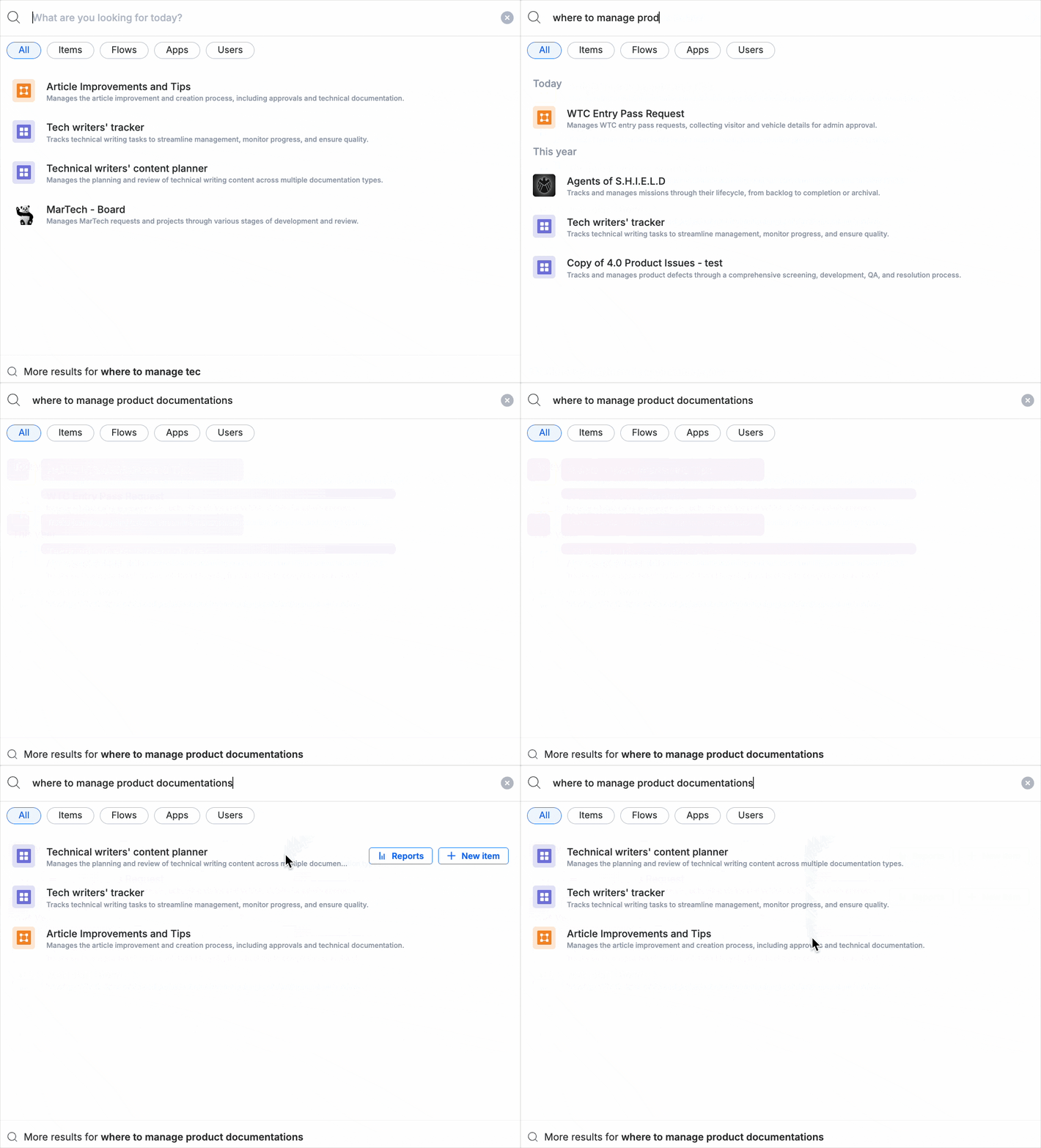
Note: Contextual search works only for processes, boards, and datasets. It is not supported for apps, portals, or item-level searches.
Filters in global search
You can filter your search results by Items, Flows, Apps, and Users. These filters help you narrow down results and take you fast to target, especially, when your account is large or a complex workspace.
Recently accessed workflows
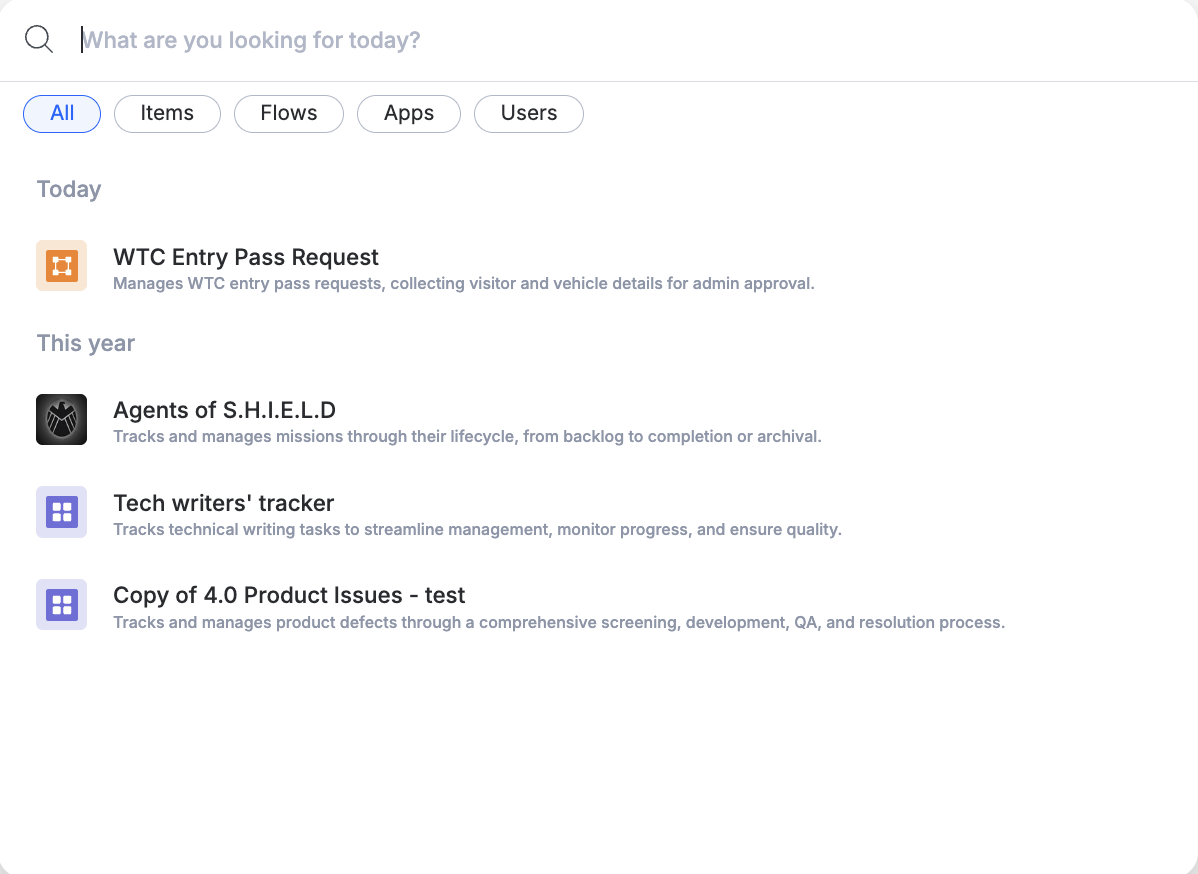
Your recently accessed workflows, which were accessed from search, now appear by default as seen in the image below. This allows you to revisit ongoing work without retyping search queries or navigating through menus.
Accessing item-level search
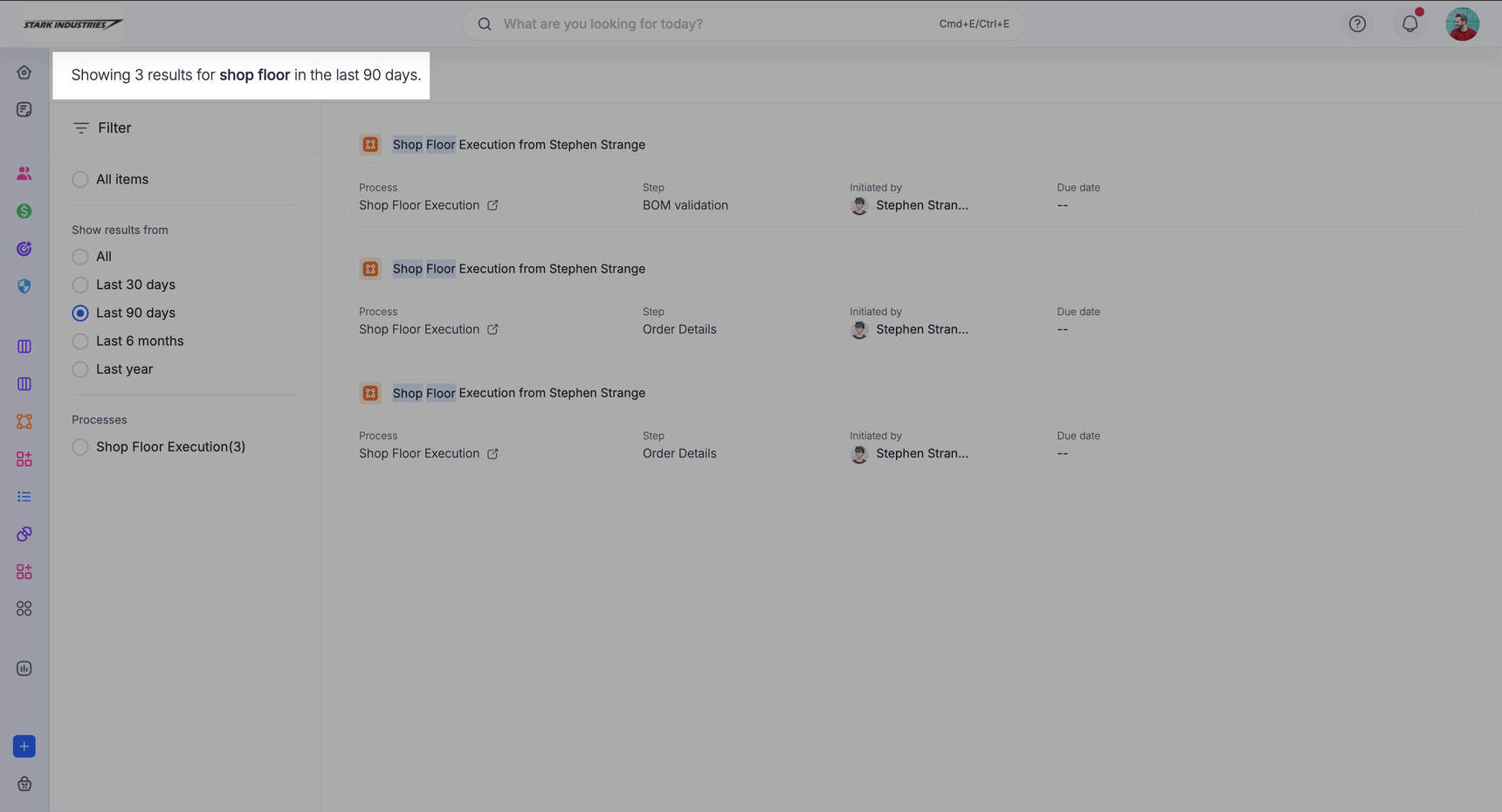
Selecting More results takes you to the item-level search window, where you can explore relevant items across your account. In this view, each item is listed with key properties, and you can further filter your results by workflow and date. This helps you move from broad contextual search to precise, actionable results with ease.
It brings relevant items from last 90 days by default. You can modify the search settings to include results from All time, Last 30 days, Last 6 months, or Last year as needed.